Use Web supctl
The purpose of this instruction is to give guidance on how to use the
web version of supctl.
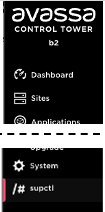
You can access the web version of supctl from the Control Tower by clicking on the supctl icon in the bottom left corner.
This starts a web terminal session where you can run supctl commands.
The shell is restricted to only allow supctl commands and a nano text editor.
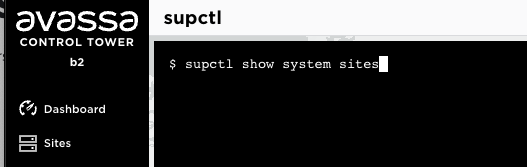
If you need to edit configuration, you can use the nano text editor. To for example edit a site:
supctl edit system sites electric-cinema
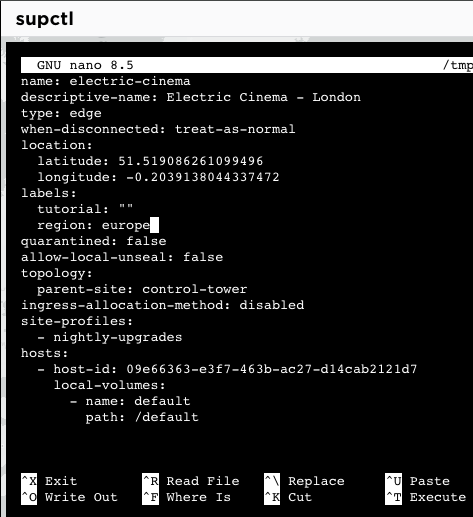
At the bottom of the nano editor, you can see the commands to save and exit.
In order to perform paging and searching of long outputs, you can pipe the output to the nano editor. (Commands like more and less are not available in this restricted shell.)
Note that when piping to nano, you need to use - as the filename to indicate that the input is from stdin. For example:
supctl show system sites | nano -
Now you can use paging commands like Ctrl + y, up, and Ctrl + v, down, and Ctrl + _ to go to a specific line, or Ctrl + W to search for text.
For a full tutorial on supctl see Using supctl.
Limitations
Things not supported in the web version of supctl
-
connect/tunnel with port mapping to an edge host. Tunneling without port mapping works fine.
-
profiles: in Control Tower you will run as the logged in user to that Control tower, so profiles are not needed.